
Run the store and the kitchen from one system.
For retail stores and restaurants: POS, inventory across locations, kitchen display, team messaging, manager approvals and an AI assistant, designed for the tablets your staff already use.
Enter your name, company and email, then choose Retail or Restaurant. You're in right away, with sample data. Payments, calls and messages in the demo are simulated.
What your team would see
Screens from the live demo, running on sample businesses.
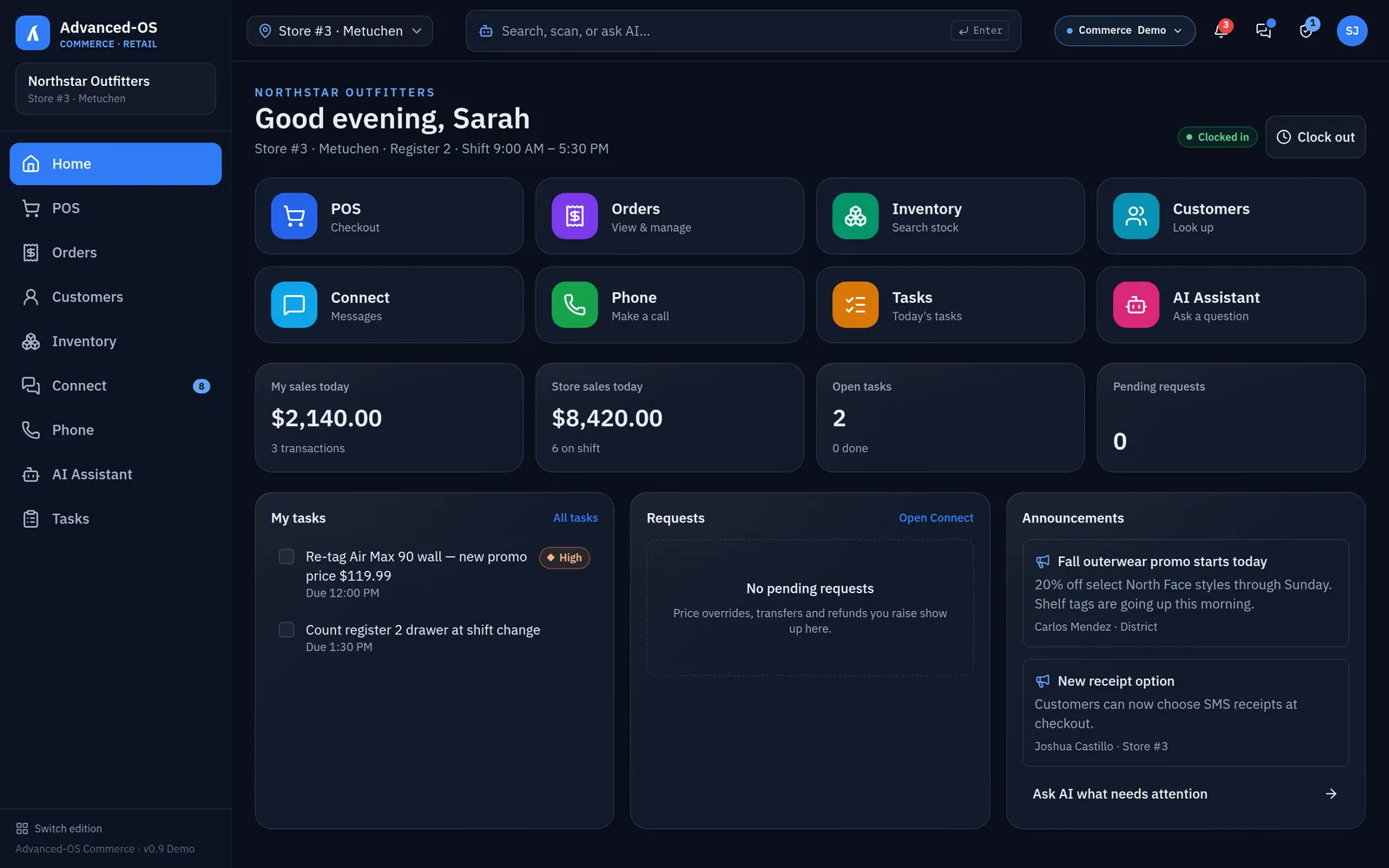
Pick the business that looks like yours
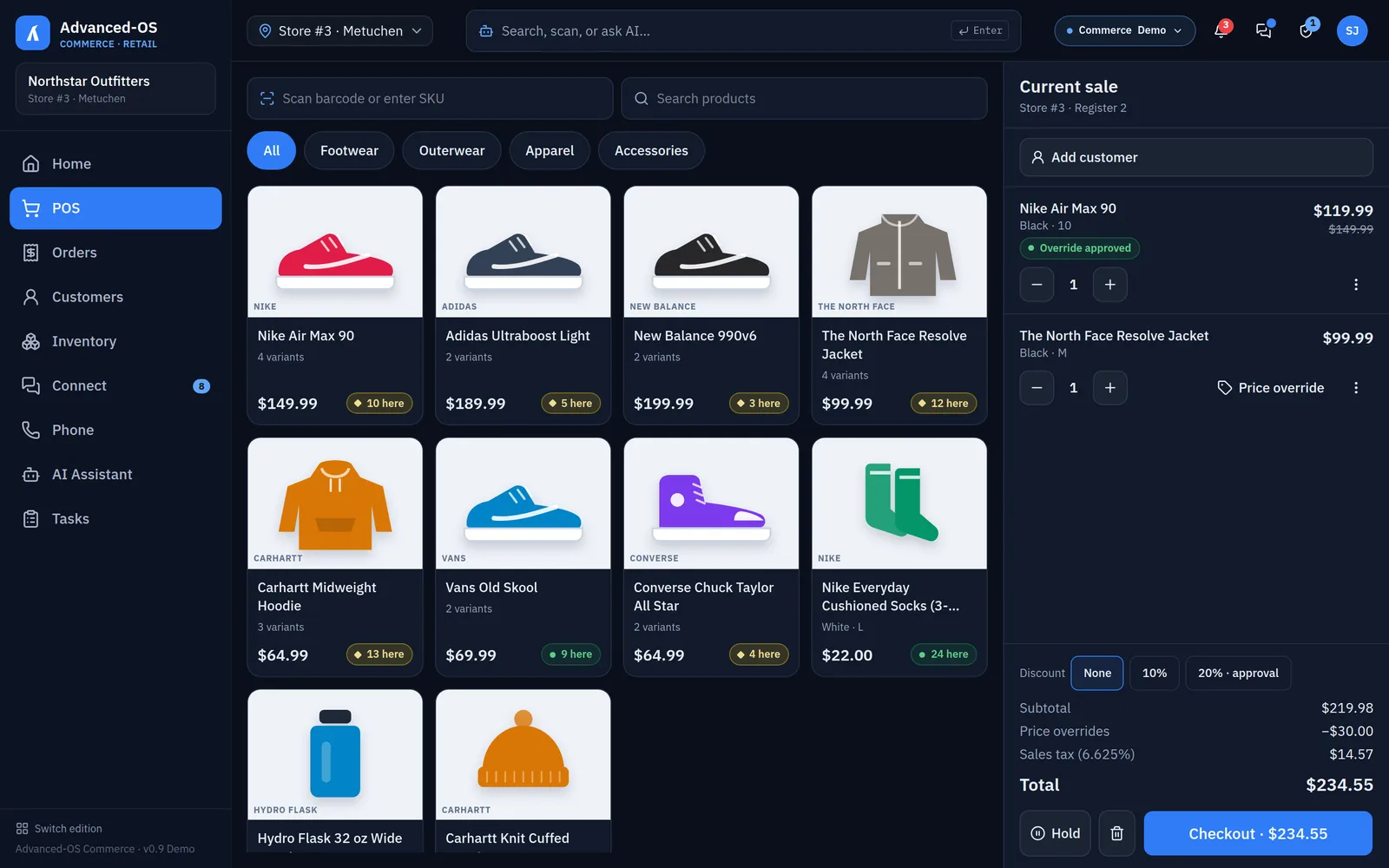
Retail
Sample business: Northstar Outfitters, four stores
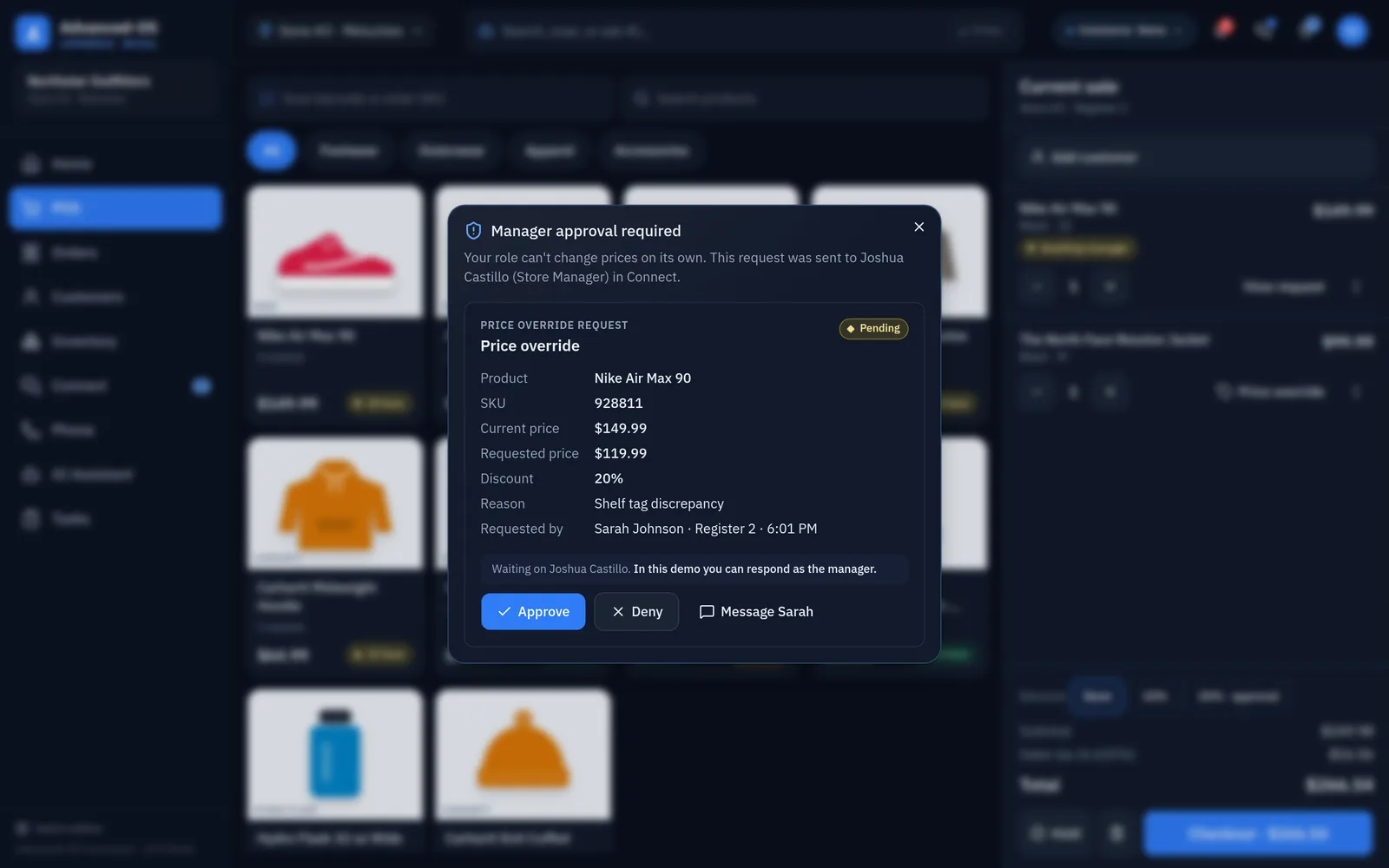
- Checkout with price overrides that go to the manager for approval
- Stock at every location, with store-to-store transfers
- Customer lookup, held sales and receipts by email or text
- Ask the assistant which store has a size in stock, then request it
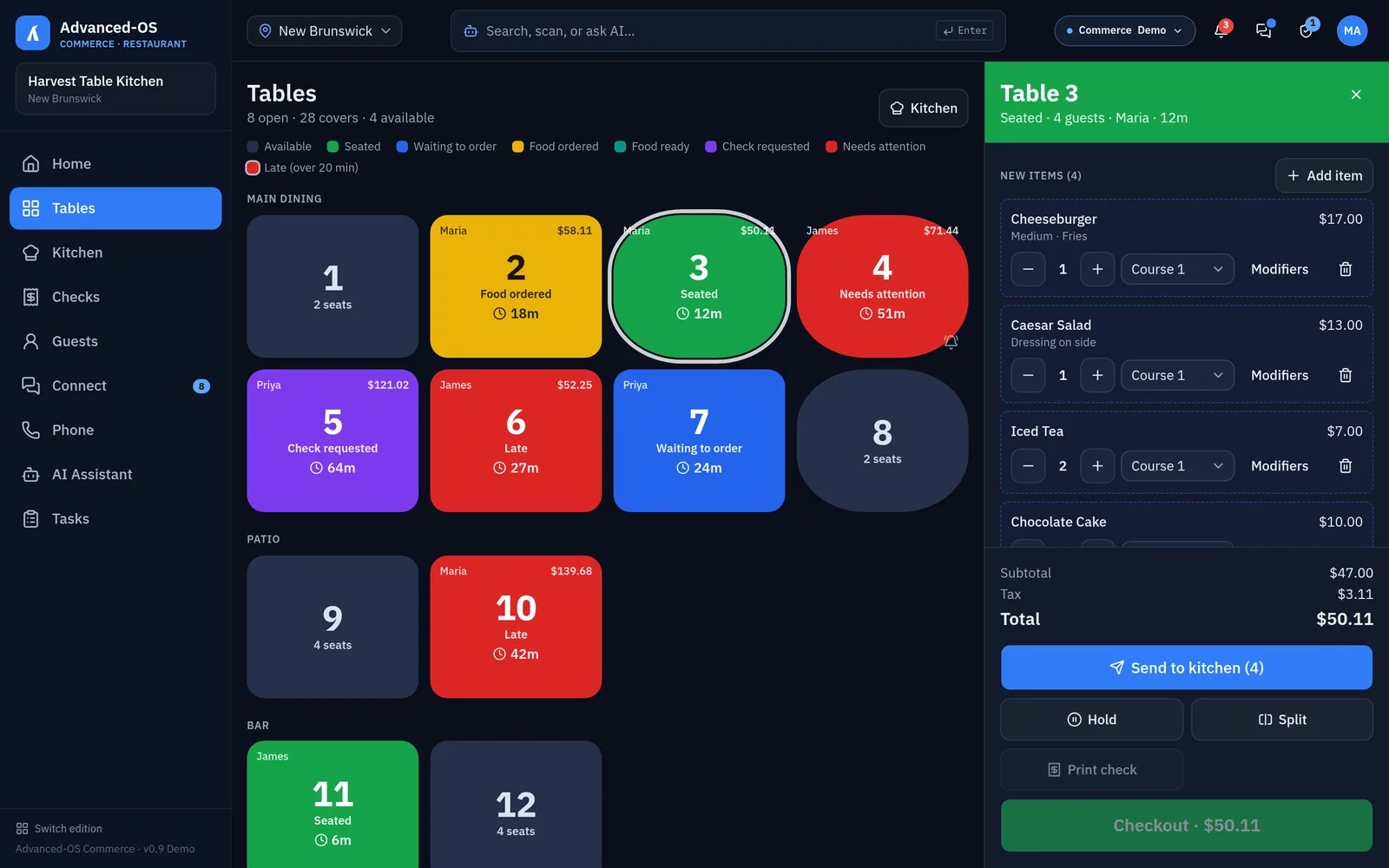
Restaurant
Sample business: Harvest Table Kitchen, three locations
- Color-coded floor map with table timers
- Ordering with modifiers and courses, sent straight to the kitchen
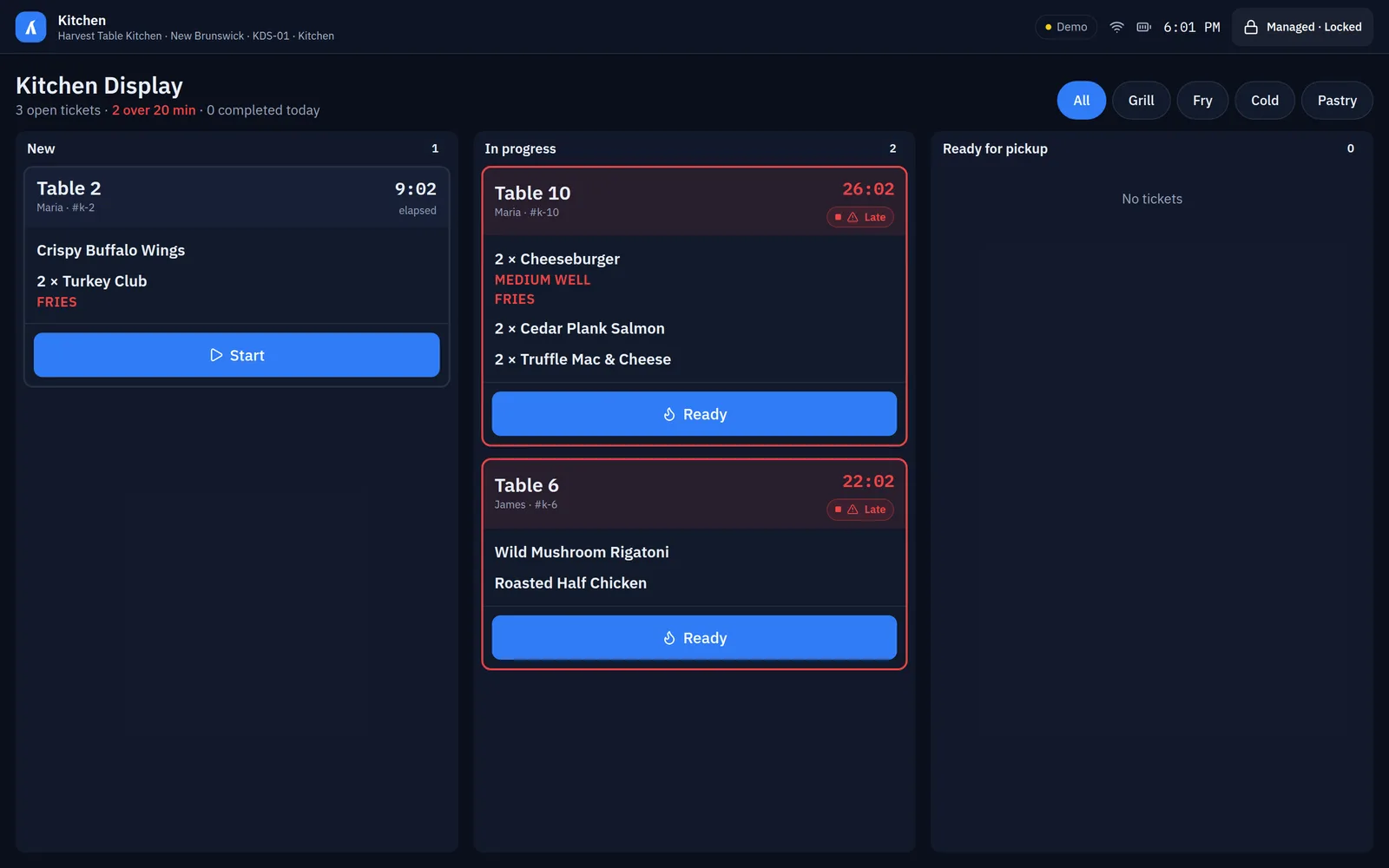
- Kitchen display with late-ticket flags, and tables that update when food is ready
- Ask the assistant which tables are waiting too long and jump to them
Built around how stores and kitchens work
- 01
Registers, inventory, messaging and phones are separate systems.
One platform for the register, the stockroom, the team and the phone.
- 02
Price overrides and refunds wait on a manager nobody can find.
Requests go to the manager's tablet with the details, and every decision is logged.
- 03
A customer wants a size this store doesn't have.
See stock at every location and request a transfer in a few taps.
- 04
Kitchen tickets run long and the floor finds out last.
Ticket times on the kitchen display, and table colors that change when food is ready or late.
- 05
Store tablets end up used for everything but work.
Each tablet can be locked to its job: register, kitchen display or server tablet.
One job per tablet, locked in
Commerce runs on Android tablets. Each one can be set to a single job and locked to it, so the kitchen sees tickets and the register sees checkout. A manager PIN is needed to change it. In the demo, try the locked kitchen display from the Demo menu.
Register
The POS and nothing else, for the front counter.
Kitchen display
Tickets by station, start and ready in one tap, no menus to get lost in.
Server tablet
The floor map and ordering, carried table to table.
Manager tablet
Approvals, reports, devices and the full back office.
How we get you live
- 01
Try the demo
Run a sale or a dinner service at a sample business, end to end.
- 02
Discovery
Your locations, products or menu, hardware and the tools you use today.
- 03
Scoped plan
What we configure, what we connect, what it costs and when.
- 04
Your edition
Your stores, your menu and your data, supported by Castle Care.
See it with your own store in mind.
Open the demo now, or tell us how your locations run and we will walk you through it.